Download Claude Chats as PDF
Save your Claude conversations as beautifully formatted PDF documents — including Artifacts, code blocks, tables, and math. One click, no account required.
Why Export Claude to PDF?
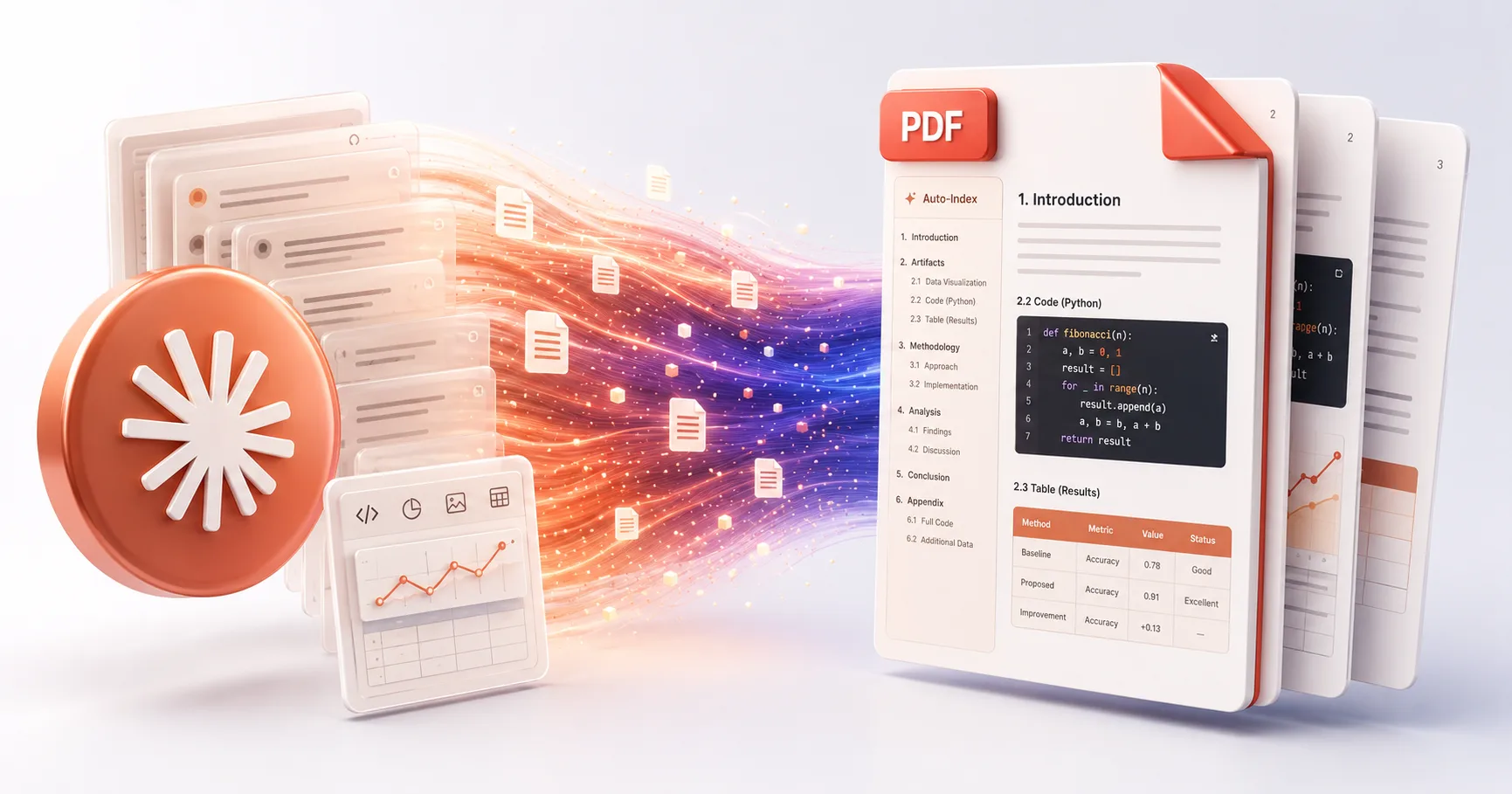
Claude conversations — especially those with Artifacts and Canvas — are rich, interactive experiences. But they're trapped inside anthropic.com. No native export exists. XWX preserves everything including Claude's unique features.
Export Artifacts & Canvas
Claude's Artifacts (code previews, documents, diagrams) and Canvas content are preserved in the PDF export.
Perfect Code & Math
Syntax-highlighted code blocks and LaTeX formulas render with pixel-perfect fidelity.
Handle Massive Contexts
Claude's 200K+ token context windows produce long documents. XWX handles them all with auto-generated table of contents.
Preserve Tables & Diagrams
Markdown tables, ER diagrams, and structured data maintain their layout in the exported PDF.
Auto Table of Contents
Long PDFs get a clickable index automatically — essential for Claude's lengthy analytical outputs.
Private & Secure
Content is deleted immediately after PDF generation. We never store your conversations.
How to Export Claude to PDF
Install XWX AI Chat Exporter
Add the free Chrome extension from the Chrome Web Store. It auto-detects Claude and activates instantly.
Open Your Claude Conversation
Go to claude.ai and open the chat you want to export — including conversations with Artifacts.
Click Export → PDF
Click the floating button, select PDF. Your formatted document downloads automatically.
Review & Archive
Open the PDF to verify. Artifacts, code, tables — everything is preserved. Share or archive as needed.
Who Exports Claude to PDF?
Developers
Archive Claude's code generation, debugging sessions, and Artifact previews as reference PDFs for your projects.
Writers & Editors
Save Claude's writing assistance, editing suggestions, and Canvas documents as formatted PDFs for review.
Data Analysts
Export Claude's data analysis, visualizations, and structured outputs as presentation-ready PDF reports.
Researchers
Save Claude's literature reviews, research summaries, and analytical deep-dives as citable PDF documents.
Product Managers
Turn Claude's PRDs, user stories, and competitive analysis into shareable PDF documents for stakeholders.
Students
Export Claude's explanations, solved problems, and study guides as printable PDFs for exam preparation.
What Makes XWX Different?
Artifact Support
XWX is one of the few exporters that preserves Claude Artifacts and Canvas content in the PDF — not just text.
13 Platforms
Works on Claude, ChatGPT, Gemini, and 10 more. One extension for your entire AI workflow.
Full Metadata
Every PDF includes title, date, model (Sonnet/Opus/Haiku), message count, and source URL.
FAQ
How do I export a Claude conversation to PDF?+
Install XWX AI Chat Exporter, open your Claude conversation, click the floating export button, and select PDF. Everything — including Artifacts — is preserved.
Can I save Claude Artifacts as PDF?+
Yes. XWX preserves Claude Artifacts (code previews, documents, diagrams) and Canvas content in the PDF export. This is a unique feature not available in other exporters.
Which Claude models are supported?+
All Claude models — Claude 3.5 Sonnet, Opus, Haiku, and Claude 3. Including conversations with extended thinking and tool use.
Can it handle Claude's long context outputs?+
Yes. XWX handles conversations of any length, including Claude's 200K+ token context outputs. Long PDFs get an automatic table of contents.
Is it free?+
Yes. Free daily PDF quota included. Markdown, TXT, and clipboard exports are unlimited. Pro unlocks unlimited PDF exports.
Is my Claude data safe?+
Yes. PDF content is sent to our secure server for rendering and deleted immediately. We never store or share your conversations.
Related Features
Export ChatGPT Chats to PDF
Learn More →Export Gemini Conversations to PDF
Learn More →Sync AI Chats to Notion
Learn More →Export AI Chats to Obsidian
Learn More →Export AI Chats to Word
Learn More →AI-Generated Tags & Summaries for AI Chats
Learn More →Smart Message Selection with Synced Sidebar
Learn More →Ready to Export Your AI Chats?
Free Chrome extension. No account required. Works on 13 AI platforms.